Chapters
- 1. Getting started
- 2. Adding items
- 3. Catalogue
- 4. Bookcases and plan view
- 5. Copies and loans
- 6. Editions and supplements
- 7. Circulation
- 8. Reports
- 9. Sign in with Microsoft
- 10. Reading
- 11. Genres
- 12. Libraries, roles, invitations
- 13. Settings
- 14. On your phone
- 15. Connect AI assistants
- 16. Regalzeile for Chrome
- 17. What's new
Copies and loans
Copies
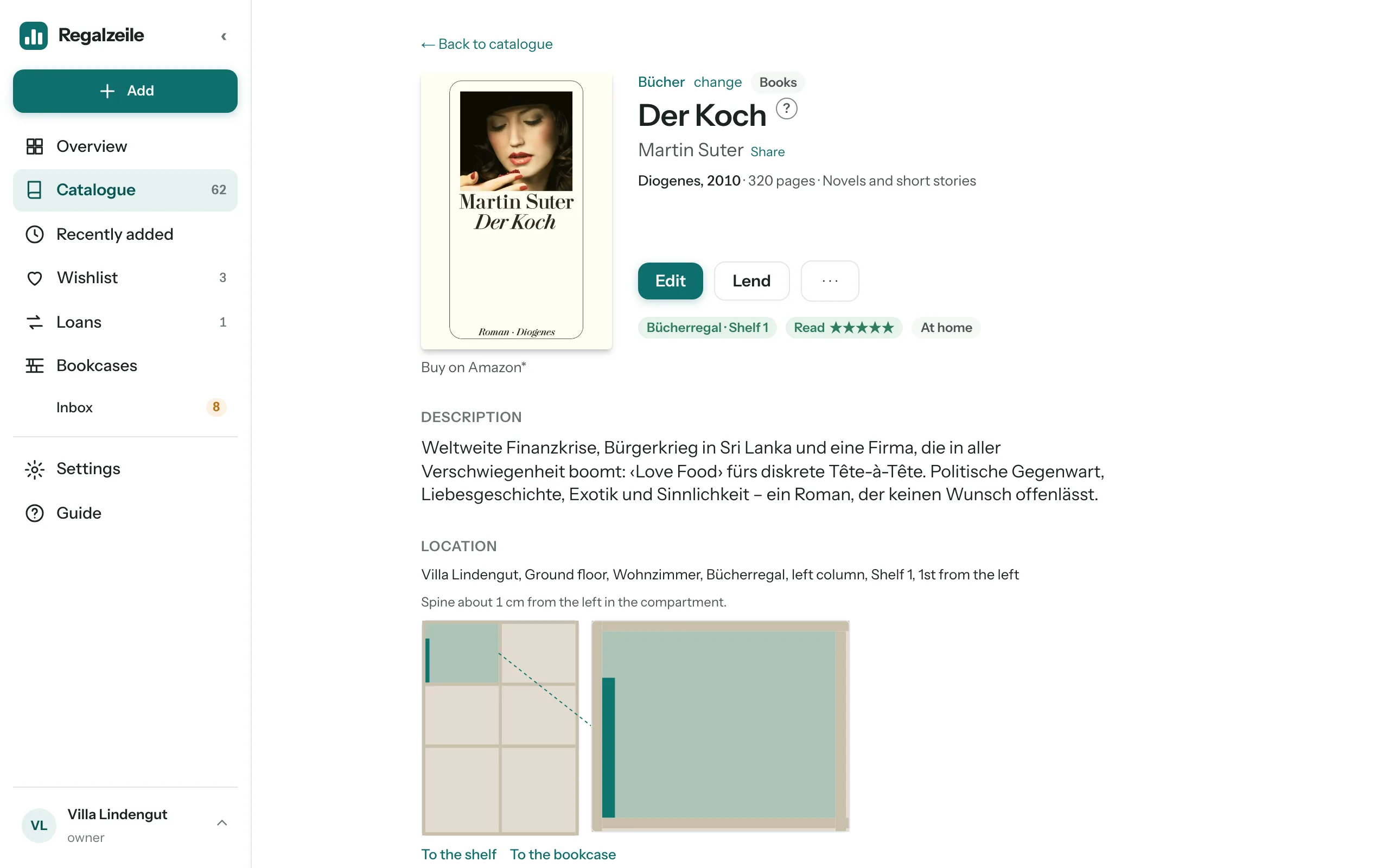
A title can have several copies — two editions of the same book, a gift copy, one in the cellar. The “Copies” section on the item page lists them openly as a table: number, label, condition, purchase date, price and “Located in” — the bookcase spot in short form, “In inbox since …” with the “Put in bookcase” link into the tray, or “No spot”. “Add” at the top right of the table opens the form for a further copy; “Edit” and “Remove” are in every row. Each copy has its own bookcase spot — two copies are two spines in two places. In the catalogue list, a title with several copies shows “n of m in the bookcase”, the item page at the top as a chip.
New copies get the “Acquired on” field prefilled with today’s date; you can change it in the form, for example for a book that has been on the shelf for a long time. In Reports this date counts as the acquisition date.
If your library has buildings, each copy also carries its “Building” — if it stands in a bookcase, the bookcase’s building applies. For loose-leaf works the “Supplement” column shows each copy’s status; more under Editions and supplements.
Loan
The “Loan” section on the item page lends a copy to a person: name as free text, with suggestions from earlier names, plus loan date, due date and a note. If the title has several copies, you pick one; otherwise the system finds the free one itself. “Mark returned” — in the header of the item page or in the section — takes the loan back without deleting the history; it stays in the “Earlier” line. While a copy is in the inbox, the button in the header reads “Put in bookcase”, otherwise “Lend”. In the catalogue, a lent-out item carries the “Lent out” pill, and there is the “Lent out” filter. The “Loans” page lists all open and overdue loans, and on the Overview a tile shows their number. When lending you can enter the person’s email address (optional; a member from the suggestion list brings theirs along). If you leave “due date” empty, the library’s default loan period applies and lands on a working day; “no due date” lends without a due date.
A copy can also be sent through several stops in a circulation; while it is in circulation, it cannot be lent.
More chapters
Related guides
- Loans and remindersWho has my book? Record loans, set due dates, weekly reminder by email.