Loans and reminders
Guide 6 of 8
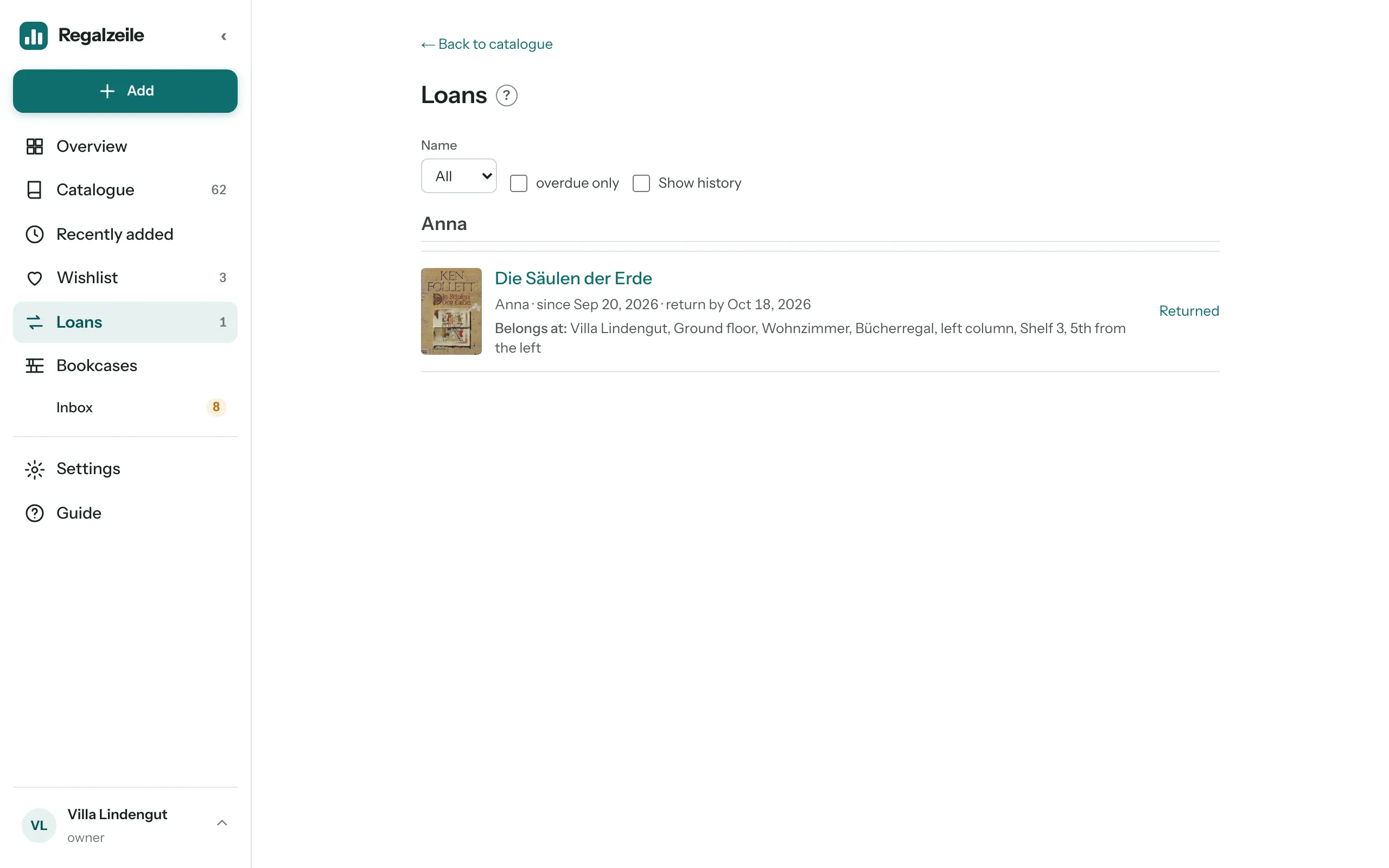
Everyone knows that gap on the shelf where you can no longer remember who has the book. Regalzeile remembers for you: you note who borrowed what and until when, and you get an email when a return is due. Lending takes ten seconds.
Lending a book
Open the book’s item page and tap “Lend” at the top, or scroll down to the “Loan” section. There you enter the person’s name — as free text, with suggestions from earlier names — plus the loan date, a return date if you like, and a note such as “with bookmark”. If you own several copies of the book, you choose which one leaves the house; otherwise Regalzeile picks the free copy itself. A copy can only be out once at a time.
Forgot to record a loan? Just enter it after the fact. The return date may even be earlier than the loan date — that way the loan shows up as overdue right away.
Getting it back
When the book comes back, tap “Mark returned”, in the header of the item page or in the “Loan” section. The history is kept and listed under “Earlier” — so years from now you can still see who has had the book.
All loans at a glance
The “Loans” menu item lists all open loans, overdue ones at the top. On the overview a tile shows how many there are, and in the catalogue every book that is out carries a “Lent out” pill; the matching filter under “More filters” shows only those. Readers, by the way, don’t see loans — they are a matter for owners and members.
The weekly reminder
When a loan falls due, Regalzeile sends a summary email to owners and members on the due date, and again every week until the book is marked returned. There is never more than one reminder per loan per week, so your inbox stays calm. If you would rather not have the reminder, switch it off in Settings under “Library”: “Reminder for overdue loans (weekly by email)”. Only the owner can change this.
The email names the title, the person and the due date. Asking your friend about it becomes a mere formality — and the book finds its way back to its spot on the shelf.
More on copies and loans in the Copies and loans chapter of the Guide.